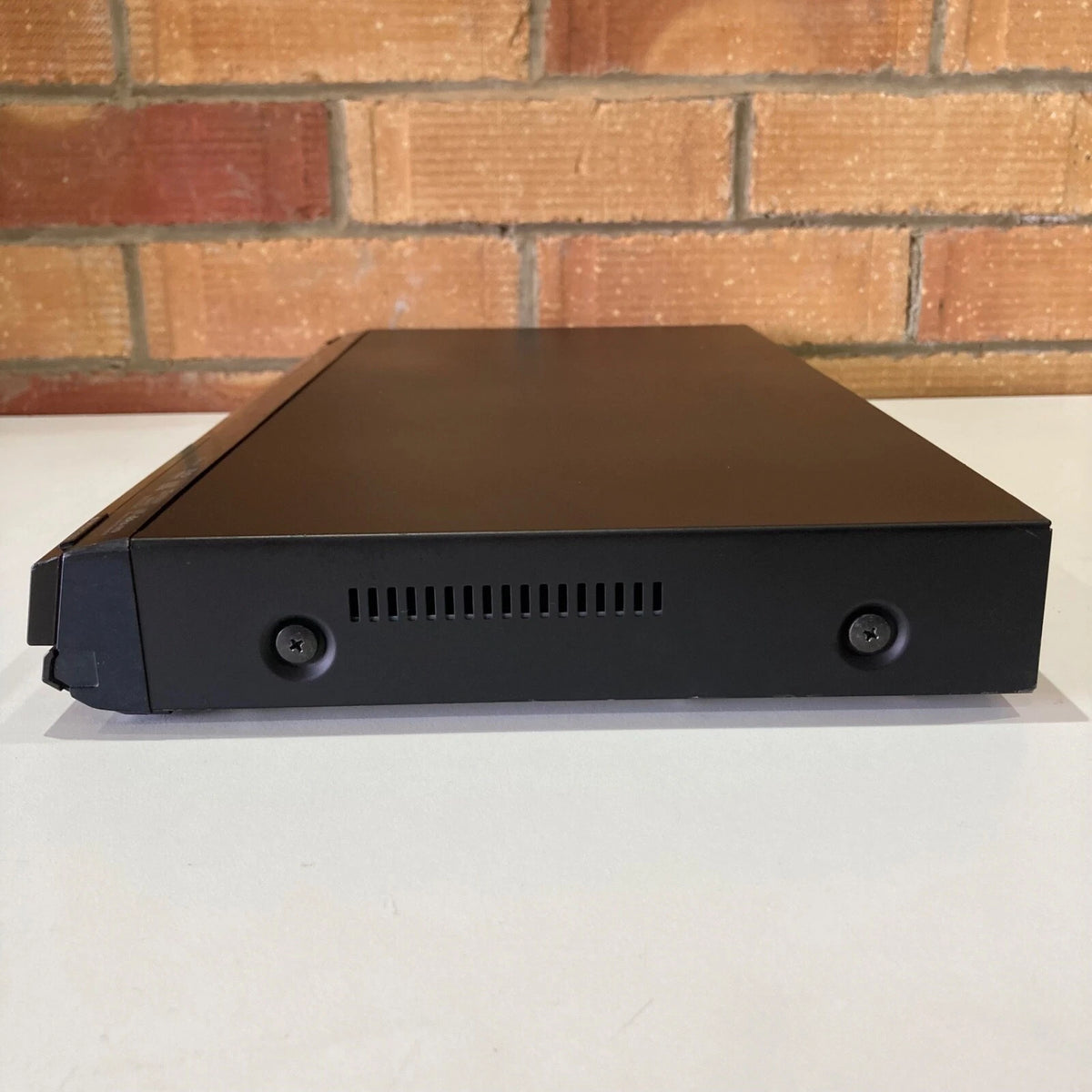
Fully serviced, deep-cleaned, and upgraded with a dedicated internal multi-region hardware mod chip.Powered by Panasonic's PHL Reference Chroma Processor and P4HD video engine, this slimline deck delivers studio-grade 1080p/24p Blu-ray playback and precision DVD upscaling—now with total freedom from global playback locks.
Every unit undergoes physical servicing, including laser lens cleaning, disc spindle maintenance, internal dust removal, and complete multi-region verification across Region A, B, and C Blu-rays, as well as Regions 1–6 DVDs.
Key Features
Multi-Region Hardware Mod Chip Installed: Permanent hardware mod enables seamless playback of global media. Automatic region switching for standard DVDs (Regions 1–6) and direct remote-selectable region switching (A, B, C) for Blu-ray Discs.
PHL Reference Chroma Processor & P4HD:Advanced 4:4:4 color processing and motion-adaptive progressive processing developed in collaboration with Panasonic Hollywood Laboratory for vivid color accuracy and sharp 1080p upscaling.
High-Definition Lossless Audio Bitstream:Direct HDMI pass-through support for Dolby TrueHD, Dolby Digital Plus, and DTS-HD Master Audio 7.1 decoding to external AV receivers.
1080p/24p Cinema Output:Outputs native film frame rates (24fps) over HDMI to compatible HD and 4K displays for a true theatrical presentation.
Front-Panel SD Card Slot:Direct playback of high-resolution JPEG photos and AVCHD video files from standard SD/SDHC media cards.
Specifications
Technical Details
Specifications
Hardware Model
Panasonic DMP-BD35 (Slimline BD/DVD Deck)
Modification Type
Internal Multi-Region Hardware Microchip
Blu-Ray Region Code
Region A, Region B, Region C (Switchable via Remote)
HDMI 1.3 Out, Component Video, Composite Video, Optical Digital Audio Out, Stereo RCA Analog Out, Ethernet (LAN)
Power Input
220–240V AC 50Hz (Standard UK Mains Input)
What’s Included
1x Panasonic DMP-BD35 Blu-Ray Player (Region-Free Hardware Mod Chip Installed)
1x Fully Compatible Replica Panasonic Remote Control (with batteries)
1x Region Switching Quick-Start Reference Guide
1x UK Mains Power Cable
1x Manual
Shipping Information
United Kingdom: Free Standard Shipping on all orders.
International Orders: Flat-rate £35.00 international shipping.
Please note: International buyers are strictly responsible for paying any import duties, customs charges, taxes, or clearance fees levied by their local customs authority upon receipt of the item.
You may return an unwanted item within 30 days of purchase.
All returned items must be in their original condition, complete with all original packaging and included accessories.
Deductions will apply for any missing parts or defects caused by user neglect.
364-Day Seller Guarantee (Days 31 to 364)
Beyond the first 30 days and up to 364 days, coverage is provided directly by the seller (UK & Ireland only).
Parts & Labour: Fully covered under warranty (including hardware mod chip functionality).
Postage: The customer covers return shipping to the seller; return postage back to the customer after repair/inspection is covered by the seller.
Repair / Replacement Terms: The seller is permitted up to 2 repair attempts for the same fault before a replacement or refund is issued. If a repair is not possible in the first instance, a replacement unit may be offered.
Note for Region Switching: Standard DVDs from any region play automatically upon insertion. To change the Blu-ray region code (A, B, or C), simply press the designated number key on the remote while the player is in stand-by, then load your disc. The setting remains locked until changed again.1 for region A, 2 for region B and 3 for region C.